
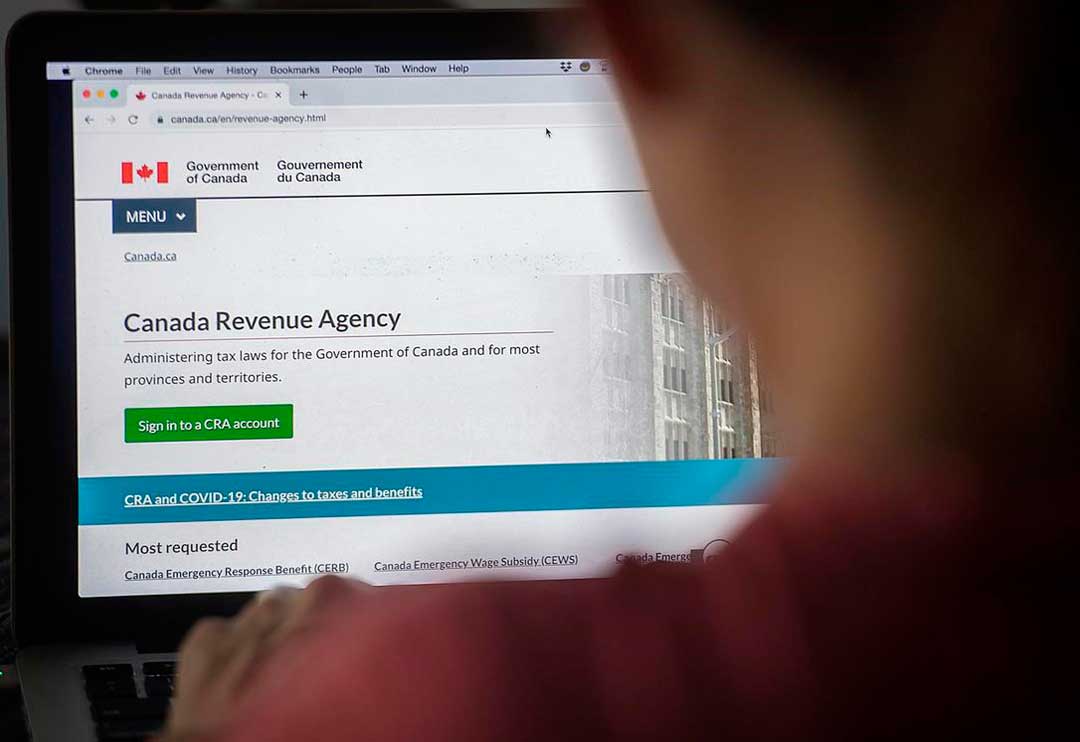
The new Confirm my Representative service.
On October 18, 2021, the Canada Revenue Agency (CRA) is introducing a new, two-step verification process to make authorizing a representative using Represent a Client more efficient and secure.
The new process makes it easier for clients to confirm who has access to their personal and tax information, helping them play an active role in protecting their data.
An individual or a business can now verify who has access to their personal and tax information by signing in to My Account or My Business Account without waiting for a confirmation call from the CRA.
The new process applies to all new authorization requests submitted through Represent a Client, including new clients, or requests a higher level of access to an existing client’s information.
How it works:
1. The first step is making sure your client has My Account or My Business Account. If they haven’t used the CRA’s digital services before, they must register for an account. CRA has created two step-by-step videos that walk you through the process of registering.
2. Once registered, we recommend your client enable email notifications to notify them when a new authorization request is available. Find out more about how to allow email notifications for individuals or businesses.
3. You must sign in to Represent a Client and open a new authorization request. Once the request is completed and submitted, you must submit the certification page using CRA’s “Submit Documents” service.
4. Once your authorization request is submitted, your client will be notified by email that someone has requested access to your account. They must then sign in to My Account or My Business Account to confirm or deny the pending request by clicking a button found in the Authorized Representatives section of their account.
5. You can view the status of authorization requests in Represent a Client. Once a request is confirmed, we will be granted access within one business day. Your client must approve or deny the authorization request within ten business days, or the request will be cancelled, and a new one will need to be submitted.
Note: The new process only applies to new authorization requests submitted through Represent a Client. You will not be impacted if you use EFILE and certified tax software to submit your clients’ returns, including authorization requests.
Source: CRA
Don’t hesitate to contact RGB Accounting by phone at (416) 932-1915 or by email at [email protected] if you need help with this matter. We’ll be pleased to assist you.
Newsletters
No Results Found
The page you requested could not be found. Try refining your search, or use the navigation above to locate the post.
Events & Sponsorship
No Results Found
The page you requested could not be found. Try refining your search, or use the navigation above to locate the post.
Articles & Publications
How much is child benefit in Canada per month?
How much is child benefit in Canada per month? For each child: under six years of age: $6,833 per year ($569.41 per month) 6 to 17 years of age: $5,765 per year ($480.41 per month). Will child benefit increase in 2021? On July 20, the Minister of Families, Children...
Is Cryptocurrency Taxable in Canada?
Is cryptocurrency taxable in Canada? According to CRA, possessing or holding a cryptocurrency is not taxable. However, selling, making a gift, trading or exchanging a cryptocurrency, including disposing of one to get another, or converting cryptocurrency to a...
Have Unfiled Tax Returns For Years?
Do You Have Unfiled Tax Returns For Years? As for the record, the CRA wants you to file and pay your taxes on time every year. When you cannot do so, you may put yourself at risk of high penalty amounts and collection tasks like bank levies or wage garnishments. We at...
Old Age Security One-Time Payment Only
Old Age Security One-Time Payment Only. You will receive the one-time payment for older seniors if you were: born on or before June 30, 1947, and eligible for the Old Age Security pension in June 2021 If you have applied for the Old Age Security pension but have not...
CRA Notice of Objection
CRA Notice of Objection (NOO) Once you file your taxes, you receive a Notice of Assessment and later a Notice of Reassessment. You have two options: Pay the taxes owing File a CRA Notice of Objection (NOO). The CRA is not always right; when you disagree, you can...